Recipes
Add a recipe from a photo
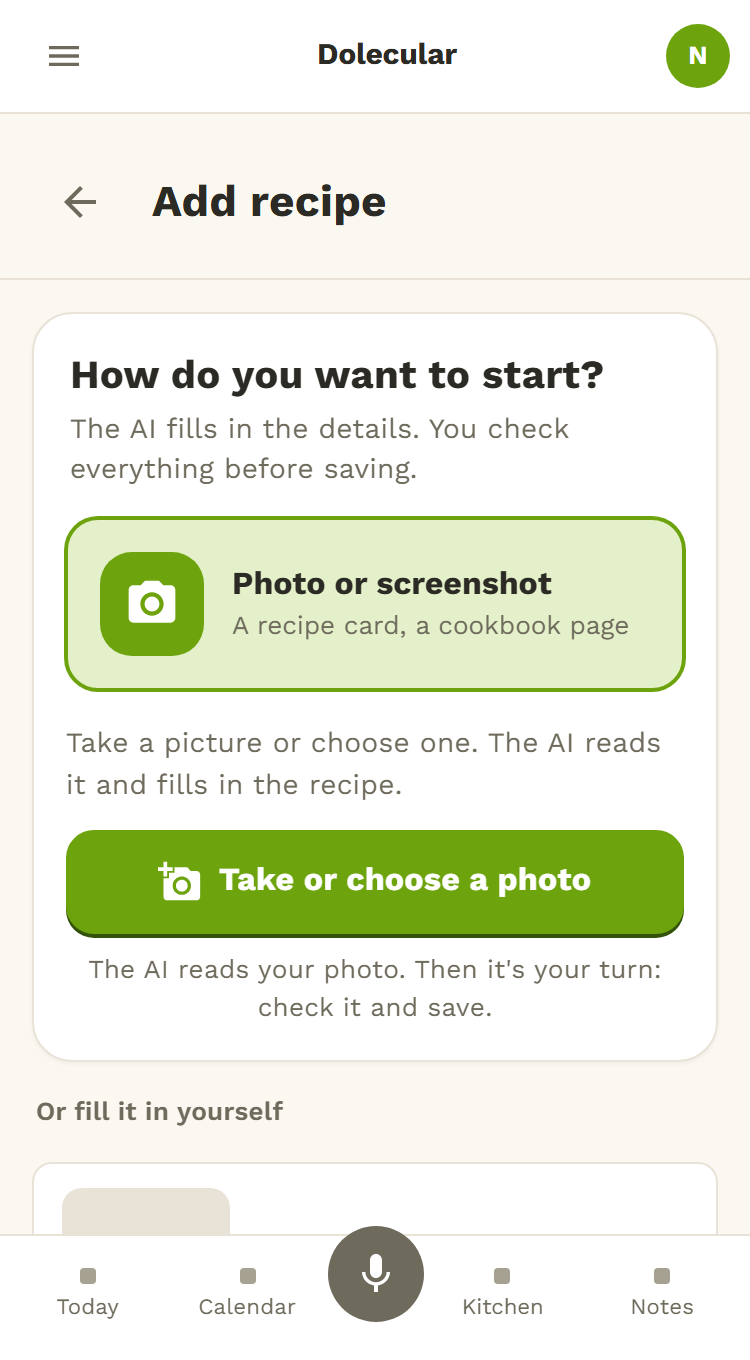
A recipe card from grandma, a magazine page, a screenshot: take a picture of it and Dolecular fills in the recipe for you. The title, the times, the ingredients and the steps. You check everything before it is saved.
Free for your household · No credit card · Works on your phone
Nothing to retype
Photograph the recipe
A card, a book or magazine page, or a screenshot.
Dolecular fills in the recipe
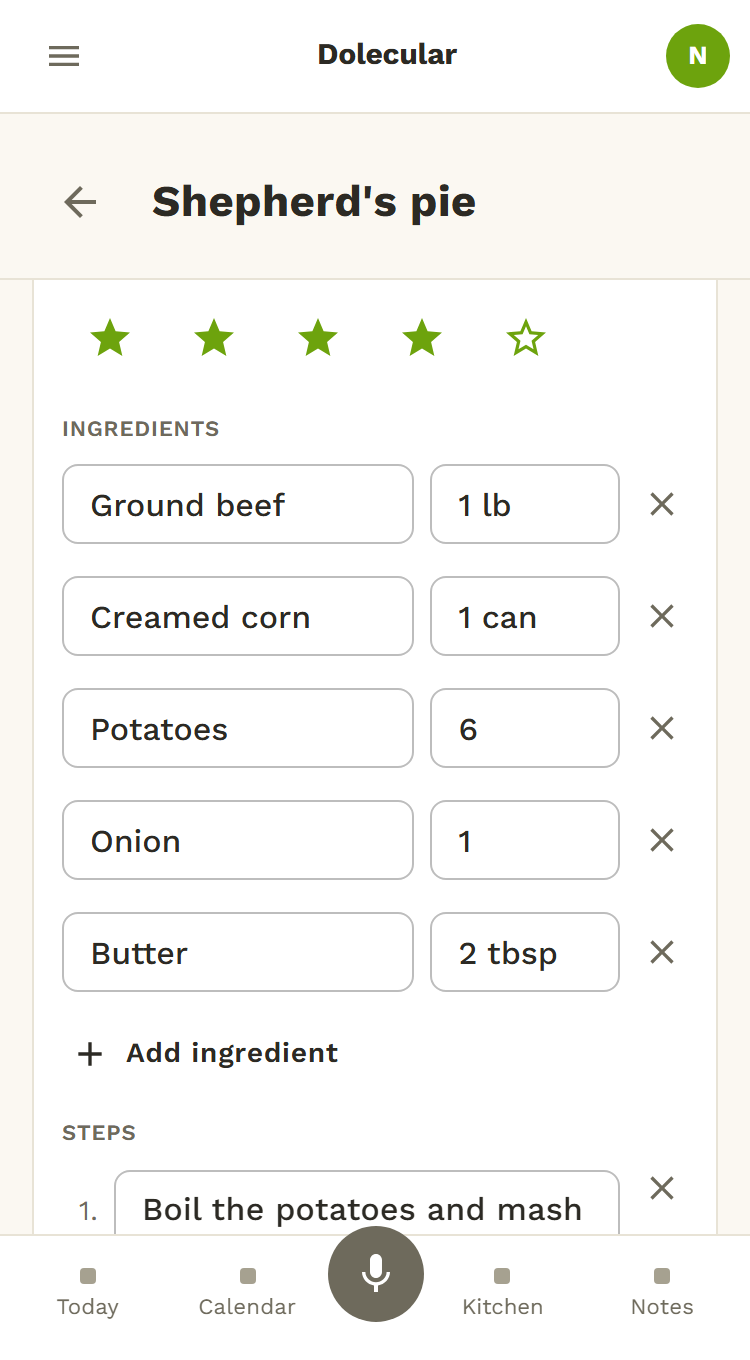
The title, the times, the ingredients and the steps are read for you.
You check, then you save
Nothing is saved until you tap Save. Correct whatever needs it.
A recipe you actually use
Put it on the week's menu and share it with the whole family.
How it works
- In Recipes, tap Add, then Photo or screenshot.
- Take the photo, or choose one, then ask Dolecular to read it.
- The recipe fills in: you correct what needs it, then you save.
See also
Finally keep all your recipes in one place
Photograph the first one and watch the recipe fill in.
Try it free