Meals
Plan the week's suppers, together
What's for supper tonight? Decide it once for the week, and the whole household sees it.
Free for your household · No credit card · Works on your phone
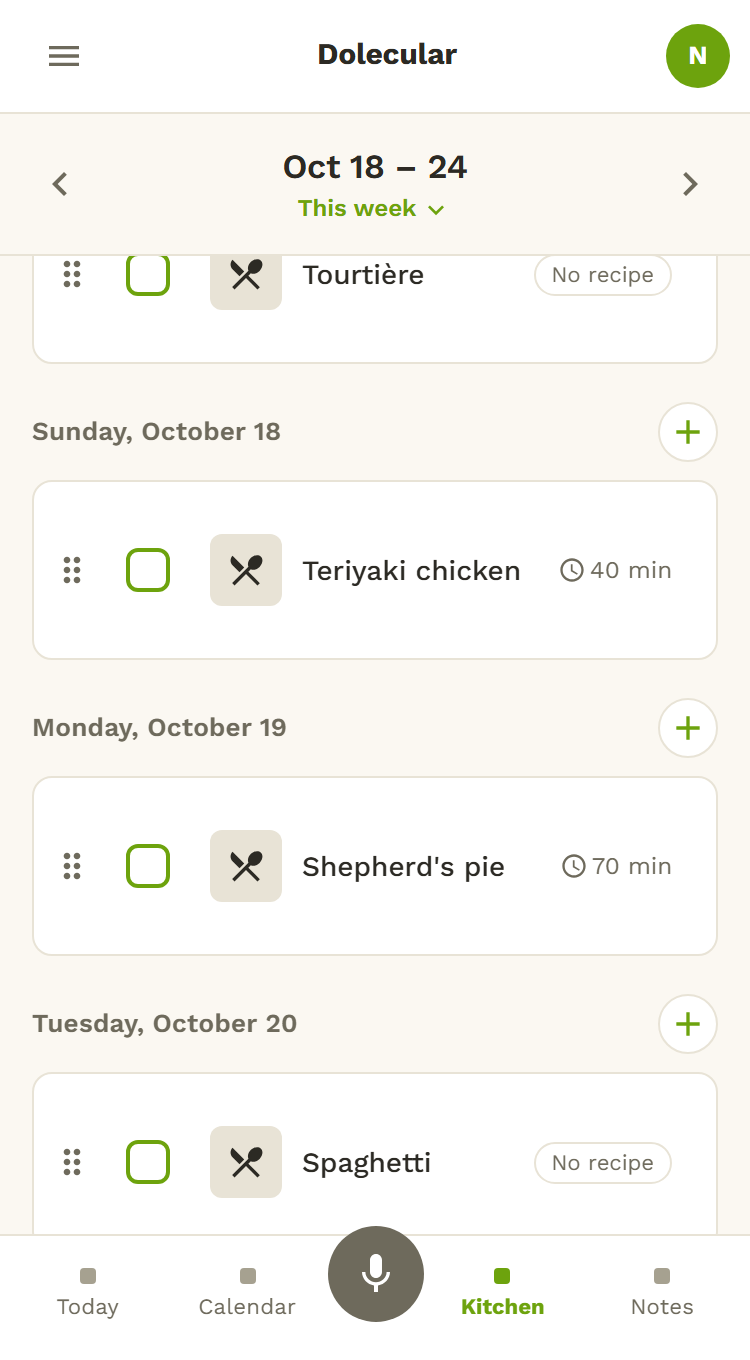
The week's menu, without the headache
A recipe, or just "nachos"
Put a recipe from your recipe book on a day. Or simply write the meal, no recipe needed.
The week at a glance
See the whole week on a single page.
Meals without a day wait their turn
A meal idea with no date stays in its own list until you find it a day.
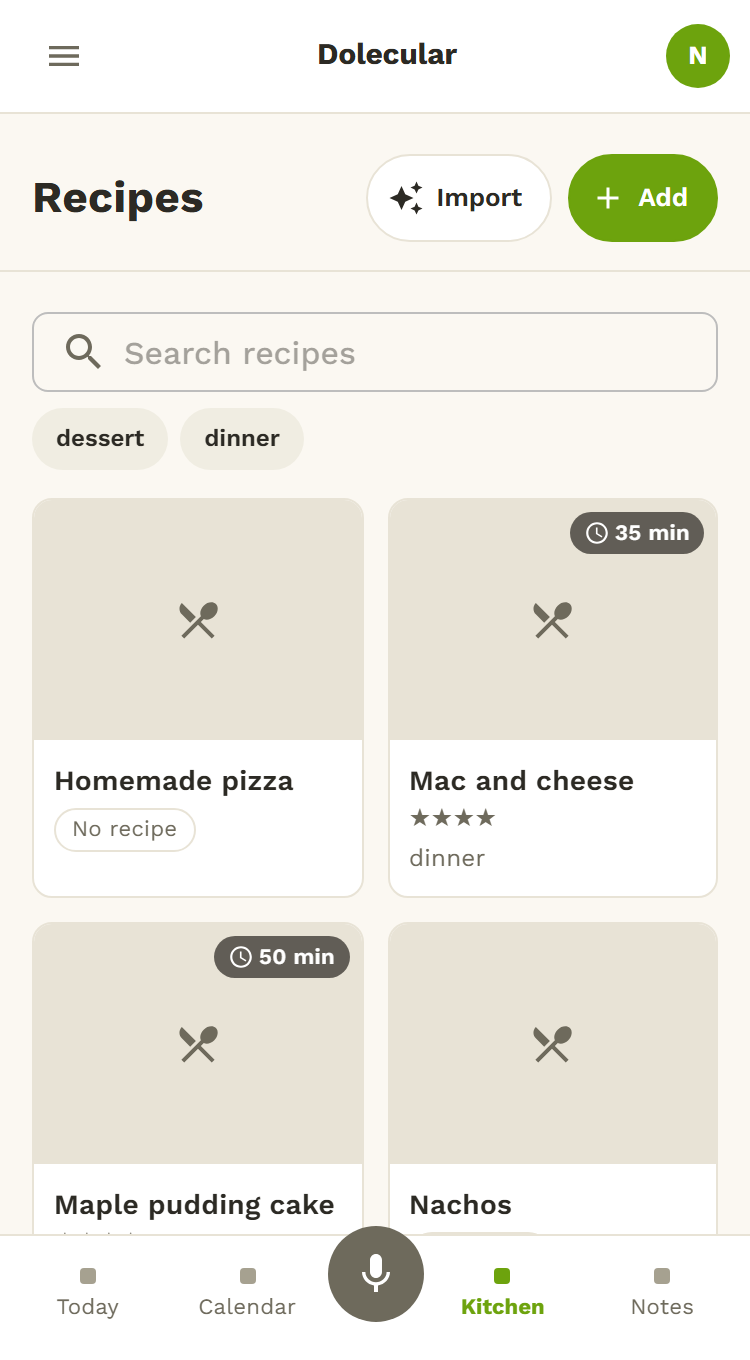
Your recipe book, your way
Add your recipes from a photo, with a rating and your own tags. You check everything before it is saved.
Hands-free at the stove
Say "next", "repeat" or "back" to move through a recipe.
Timers for the whole house
Start a timer: everyone in the household sees it, and you get a notification when it finishes.
How it works
- In Kitchen, open Meals.
- Tap the + on a day, then choose a recipe or write the meal.
- Drag a meal to another day if plans change: the whole family sees the week.
See also
No more “what's for supper?” at five o'clock
Plan the week in a few taps, and let the house see it.
Try it free